
Assistive Technology for Independence
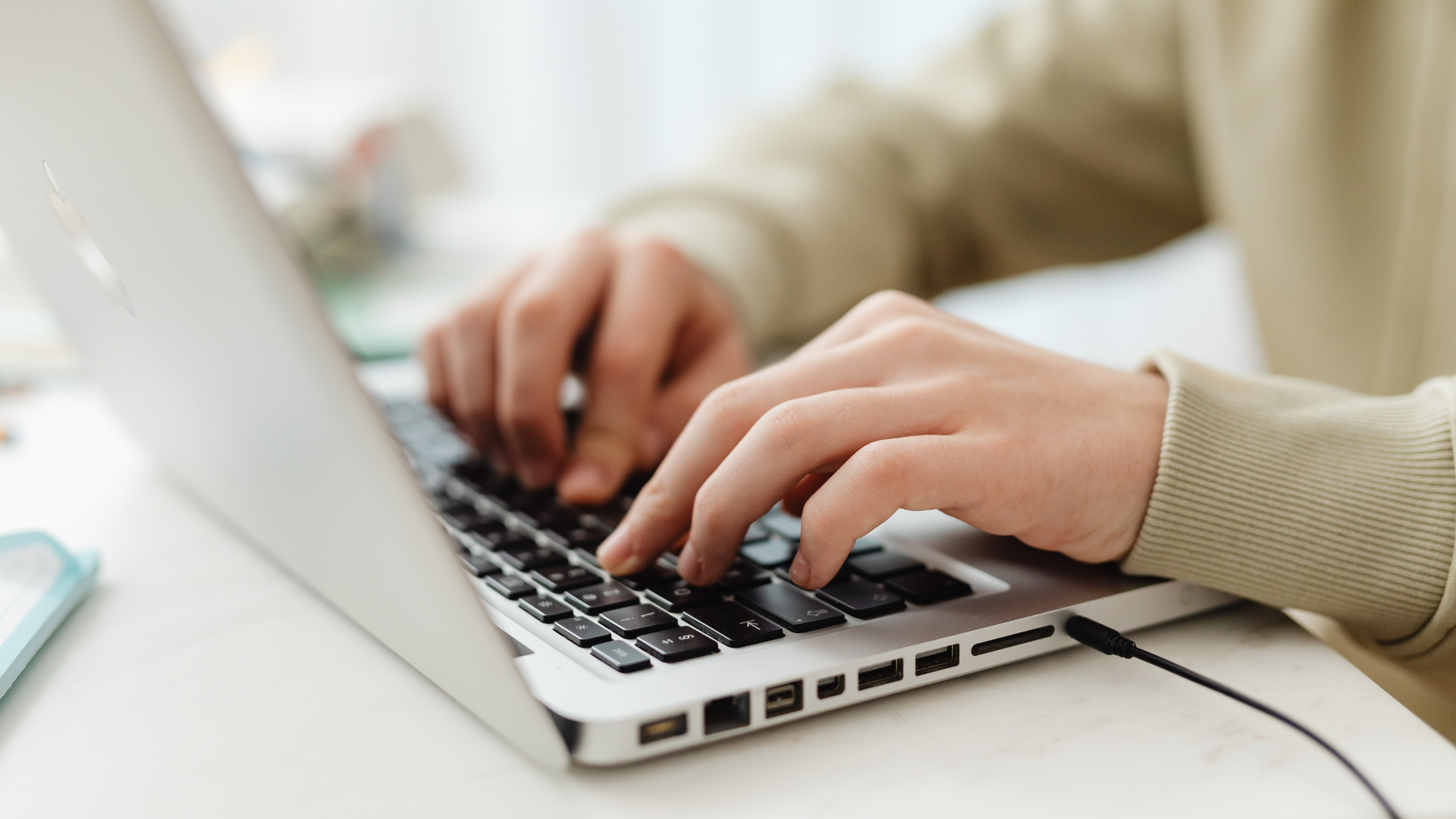
Living with vision loss doesn’t mean living without independence. Assistive technology allows people who are blind or visually impaired to access information, communicate, navigate, and participate fully in daily life. At Lighthouse for the Blind of the Palm Beaches, we pair technology with training to give individuals confidence, control, and independence.
Key Types of Assistive Technology
1. Screen Readers
What they are: Software that converts on-screen text, menus, and interactive elements into speech or Braille output.
Examples: VoiceOver (iOS), TalkBack (Android), JAWS (Windows)
Benefits:
- Makes computers, tablets, and smartphones accessible
- Enables email, web browsing, and document reading
Supports both speech and Braille output for users who know Braille
Training tip: Learning gestures or keyboard shortcuts is essential for efficiency.
2. Refreshable Braille Displays
What they are: Hardware devices that show text in Braille through movable pins.
How they work: Screen readers send text to the device; pins update in real time. Some devices also include Braille keyboards.
Benefits:
- Silent reading in professional or quiet settings
- Precise control for writing and navigation
Note: Devices can be costly and require structured training.
3. Mobile Apps & Portable Solutions
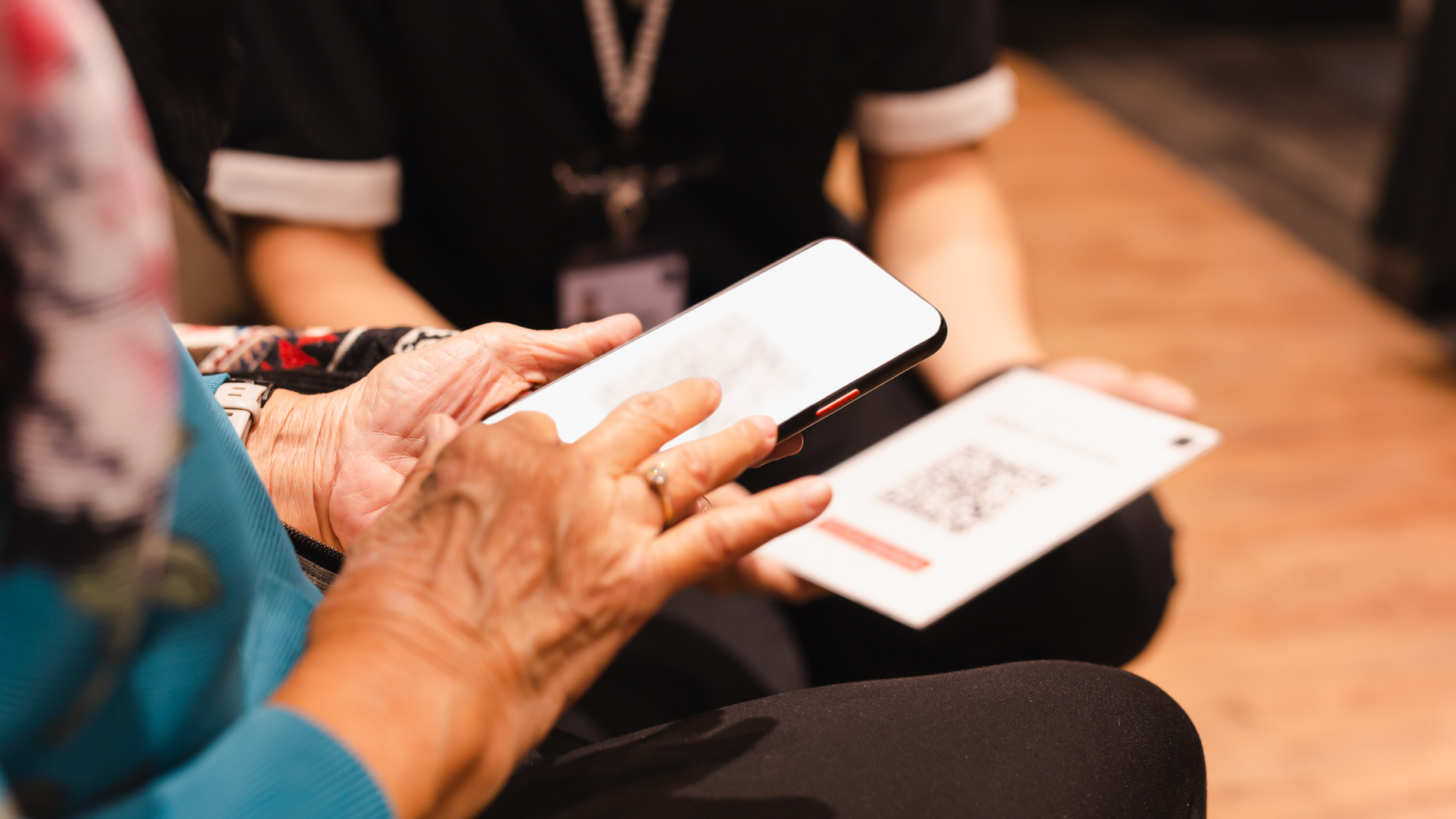
What they are: Apps and tools on smartphones that support reading, navigation, object recognition, and more.
Examples:
- OCR apps for reading printed text aloud
- Navigation apps with voice guidance
- Light-detection apps
Benefits:
- Turn your phone into a powerful assistive device
- Many built-in accessibility features make apps usable without extra hardware
Tip: Combine with magnification, contrast, or large-print features for best results.
How Lighthouse Supports Assistive Technology Use
Assessment & Personalization
- Demonstrations of devices and software
- Individual needs assessment
- Customized plans based on independent living, employment, or recreational goals
Training Options
- One-on-one instruction: Hands-on guidance for using screen readers, Braille displays, and apps
- Group training: Collaborative learning environment
Real-Life Applications
- Training is tailored to tasks like email, document creation, navigation, and workplace responsibilities
- Focus on building confidence and independence
Ongoing Support
- Updates on new devices, apps, and software upgrades
- Continued guidance to ensure users stay comfortable and proficient with technology
FAQs
Do I need to know Braille?
- No. Many tools are fully accessible without Braille, though pairing it with devices like Braille displays can increase efficiency.
Is expensive hardware required?
- Not always. Many smartphones and tablets already include built-in accessibility features.
How long does training take?
- Basic skills: a few sessions
- Advanced tasks: ongoing practice tailored to goals
Can this help me at work?
- Yes. Training is designed for real-world tasks, including workplace productivity and communication.
Assistive technology empowers people who are blind to live independently, pursue education and employment, and engage fully with their communities. At Lighthouse for the Blind of the Palm Beaches, our training ensures that technology is not just provided—but used confidently to create meaningful opportunities.
Take the next step: Contact the Lighthouse team today and begin your journey toward independence.
